NCLEX Question Types Explained: What Each Format Asks You to Do
Learn how NCLEX question formats work, including multiple response, highlight, matrix, cloze, bow-tie, ordered response, calculations, and exhibits.
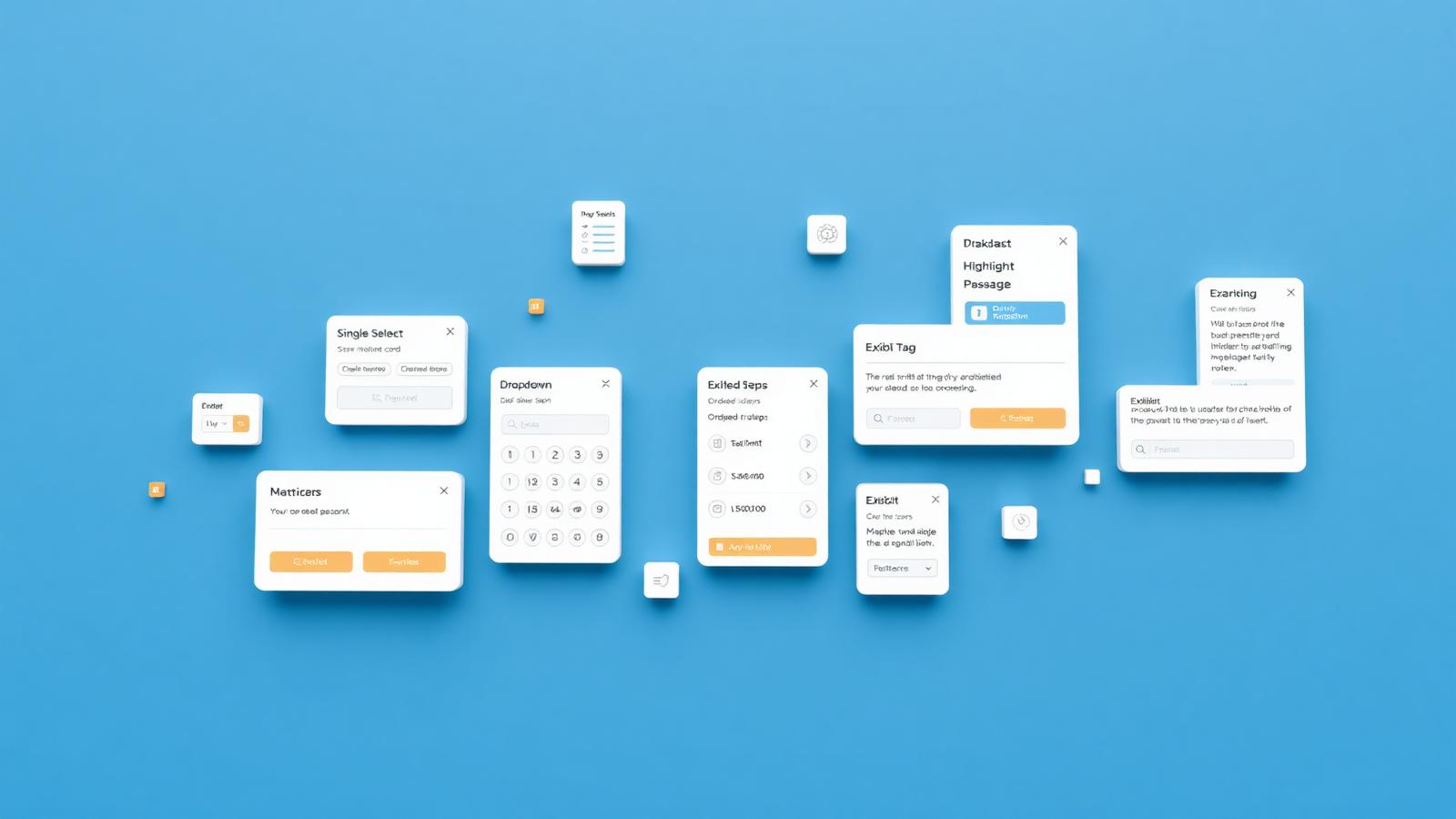
If you see certain NCLEX item formats for the first time on test day, some of your attention will go toward figuring out one basic question:
What am I supposed to do here?
That is why it helps to become familiar with the formats beforehand—not because there is a secret strategy for solving each type, and not because you need to memorize every format’s name.
The goal is simpler: understand how each interaction works so that, during the exam, you can focus on the clinical content.
The NCLEX may include both stand-alone items and case studies. Items can be presented in different formats and may contain tables, charts, or other visual information. There is no fixed percentage of each item format on an individual candidate’s exam.
Here is what you may see.
Multiple Choice
This is the most familiar format. You see a question and several response options, and you select one.
Read the question carefully because the wording tells you exactly what to identify. You may be asked to choose the action to take first, the most appropriate response, the priority problem, or the finding that requires attention.
The interaction is simple—one question, one selected answer—but the clinical task can vary considerably.
Multiple Response
Multiple-response items ask you to select more than one applicable option. Unlike multiple choice, the correct response may contain several elements.
The current NCLEX can use partial-credit scoring for items with more than one key. The three scoring methods are plus/minus, zero/one, and rationale scoring. You do not need to calculate which method applies to a particular question. Read the directions and select the elements you believe are correct.
Select N
Some items tell you exactly how many options to choose. For example:
Select the 3 findings…
In that case, select the specified number. Before answering, check whether the directions state a required number of responses.
Highlight
Highlight items ask you to interact directly with the information shown. Instead of selecting a separate response option, you may need to highlight words, phrases, or data in a passage.
For example, you might see a patient record and be asked to identify information that meets a particular condition.
Read the directions first. Do not ask only, “What looks unusual in this passage?” Ask, “What information was I specifically asked to identify?” That distinction is easy to lose when the screen contains a large amount of clinical data.
Matrix/Grid
In a matrix or grid item, information is organized in a table. You determine how the elements in each row relate to the available categories or characteristics. Depending on the item, you may need to make one or more selections for every row.
The format can look more complicated than a multiple-choice question because more information appears on the screen. The underlying interaction is straightforward: evaluate each row and make the selection requested by the directions.
Cloze and Drop-Down
These formats ask you to complete one or more blanks by choosing from lists of options. The result is a completed statement or combination of responses.
In some items, the selected elements are logically connected. Read the finished response as a whole instead of treating each click as an unrelated choice. Rationale scoring may apply to items whose response elements are linked, but candidates do not need to learn the scoring formula.
Bow-Tie
The bow-tie format is named for its visual layout. It asks you to work with several connected parts of a clinical situation—for example, identifying the patient’s likely condition, the actions to take, and the parameters to monitor.
Its appearance can make it feel unfamiliar the first time you encounter it. You do not need to know why it is called a bow-tie or how its score is calculated. Identify what each section asks for and make the appropriate selections.
This is one format you should see before the real exam.
Ordered Response
In an ordered-response item, both the selected actions and their sequence matter. You arrange the available elements in the order requested.
This differs from selecting several appropriate options. If the directions ask for a sequence, the order is part of the answer.
Calculation
The NCLEX may include items that require a calculation and a numeric response.
Follow the entry instructions exactly. If the question asks for one or two decimal places, enter the answer in that format. NCLEX guidance also advises rounding at the end of the calculation rather than during intermediate steps.
Here, both the calculation and the required answer format matter.
Exhibit
Some items provide supporting information across several tabs. These exhibits may contain patient data, laboratory results, clinical notes, or other information needed to answer the question.
The software does not require you to open every tab before moving forward. You can submit an answer even if you have not viewed all of them. For that reason, the NCLEX specifically advises candidates to review every exhibit tab before selecting an answer and continuing.
This is official guidance, not a test-taking trick.
What About Case Studies?
Case studies differ from ordinary stand-alone items. Instead of one isolated situation, you follow a patient scenario through several stages and respond to a series of questions using the developing information.
Case studies are used to assess clinical judgment and can include several of the item formats described above. They deserve their own detailed explanation; for now, know that the individual interaction types may appear inside a larger case.
| Format | What you do | Detail to notice |
|---|---|---|
| Multiple choice | Select one response. | Words such as first, priority, or most appropriate. |
| Multiple response | Select every applicable response. | Partial credit may apply. Follow the directions rather than guessing the scoring method. |
| Select N | Select the exact number stated. | Count your selections before submitting. |
| Highlight | Mark requested words, phrases, or data. | Identify what the prompt asks you to find. |
| Matrix/Grid | Make selections across rows and columns. | Evaluate each row separately. |
| Cloze/Drop-down | Complete blanks using provided options. | Read the combined response as a whole. |
| Bow-tie | Identify a condition, actions, and monitoring parameters. | Complete every required section. |
| Ordered response | Arrange actions or steps in sequence. | Order is part of the answer. |
| Calculation | Enter a numeric response. | Follow decimal and rounding instructions exactly. |
| Exhibit | Review information across tabs. | Open every tab before answering. |
Read the instruction before the clinical data
- 1Identify the required action
- 2Identify how many selections or fields are required
- 3Review every provided source before submitting
The NCLEX Clinical Judgment Model guide explains the six reasoning functions measured across an unfolding case.
Do You Need to Memorize These Names?
No. The exam does not test whether you can define a matrix item or remember the term bow-tie.
The value of familiarization is practical. Compare two situations:
In the first, you encounter an unfamiliar screen during the NCLEX and think, “What is this? Where do I click? Why are there so many fields?”
In the second, you have seen the format before and think, “I know how this response works. Now I can read the question.”
The second experience is the goal.
You Do Not Need to Search the Entire Internet for Examples
NCLEX provides official materials designed to help candidates become familiar with the exam:
- The Sample Pack includes examples of multiple item types, including RN and PN case studies.
- The Exam Preview shows how item types appear in an exam context.
- The Candidate Tutorial introduces the software and interface used during testing.
Review the official Sample Pack, Exam Preview, and Candidate Tutorial before test day—not because they contain a hidden passing strategy, but because the exam is not the best place to learn the interface for the first time.
Do Not Search for Signals That Are Not There
NCLEX does not assign a fixed proportion of item formats to every candidate, and the exam remains adaptive. Do not try to interpret the sequence:
- “I received a bow-tie. Is that a good sign?”
- “Why am I seeing so many multiple-choice questions?”
- “I had only a few questions in that format. Does that mean something is wrong?”
The format of the next item does not reveal how your exam is going. It is simply the way that question is presented.
The Format Should Feel Familiar, Not Frightening
You do not need a separate secret strategy for each question type. You do not need to memorize the partial-credit system. And you should not use item formats to predict your result.
Before the NCLEX, review the available formats and practice interacting with them. Know where you select one response, where you select several, where you work with a passage or table, and where you review several sources of information.
On test day, your attention should not be spent figuring out how a button or grid works. You will need that attention to understand what is happening with the patient.
Official resource
Combine interface familiarity with the repeatable process in NCLEX test-taking strategies.
What to read next
 Test Strategies
NCLEX Test-Taking Strategies for Safer Clinical Decisions
Use a repeatable NCLEX question strategy to identify the task, evaluate cues, prioritize safely, manage pacing, and learn from reasoning errors.
6 min read Nursing Life
What It Means to Be a Nurse
Most of a nurse's work happens in conversations — with patients, families, doctors, and colleagues. Here is why being understood, listening, and speaking up are part of safe patient care.
3 min read Study Guides
Six Terrible Ways to Prepare for the NCLEX (Please Do Not Do This)
Why sleep deprivation, marathon study sessions, passive rereading, avoiding weak topics, neglecting health, and isolation can undermine NCLEX prep.
4 min read